

Custom Apps
Custom Apps are JavaScript applications that add entirely new pages to Spotify’s sidebar. Unlike extensions (which modify existing behavior), custom apps create standalone experiences within Spotify.
Installing Custom Apps
Via Marketplace
Some custom apps are available through the Marketplace. Open Marketplace from Spotify’s sidebar to browse.
Manual Installation
-
Download or create the custom app folder (must contain at minimum
index.jsandmanifest.json) -
Place it in your CustomApps folder:
Platform Path Windows %appdata%\spicetify\CustomApps\Linux / macOS ~/.config/spicetify/CustomApps/ -
Enable the custom app:
Terminal window spicetify config custom_apps <folder-name>spicetify apply
Removing Custom Apps
To remove a custom app, append a - after the folder name:
spicetify config custom_apps <folder-name>-spicetify applyManual Config Editing
You can also edit the config file directly. Custom apps are listed in the custom_apps key, separated by |:
[AdditionalOptions]custom_apps = reddit|lyrics-plus|new-releasesAfter editing, run spicetify apply.
Built-in Custom Apps
These custom apps ship with Spicetify and are available immediately.
Lyrics Plus
Advanced lyrics display with multiple providers (Musixmatch, Netease, LRCLIB).
Folder: lyrics-plus
spicetify config custom_apps lyrics-plusspicetify applyFeatures:
- Synced lyrics display
- Multiple lyrics sources
- Customizable colors and providers (via profile menu)
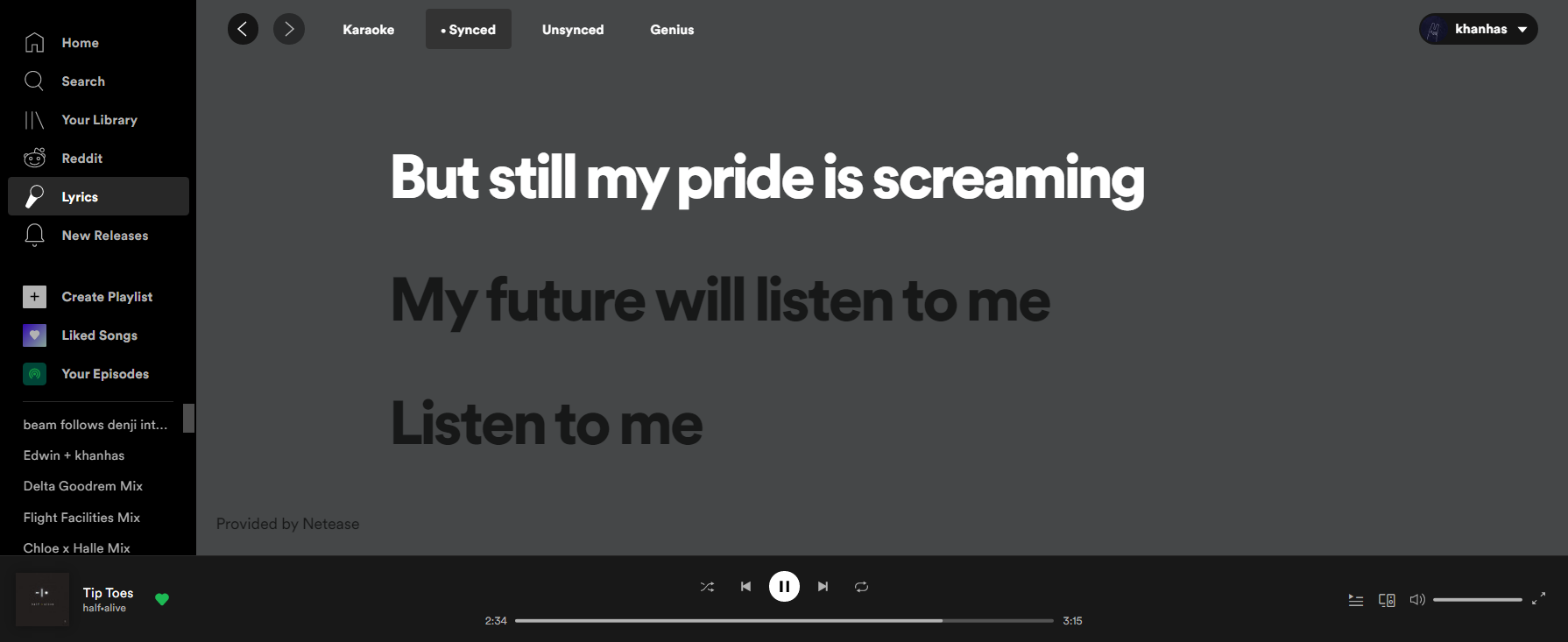
Learn more: Lyrics Plus on GitHub
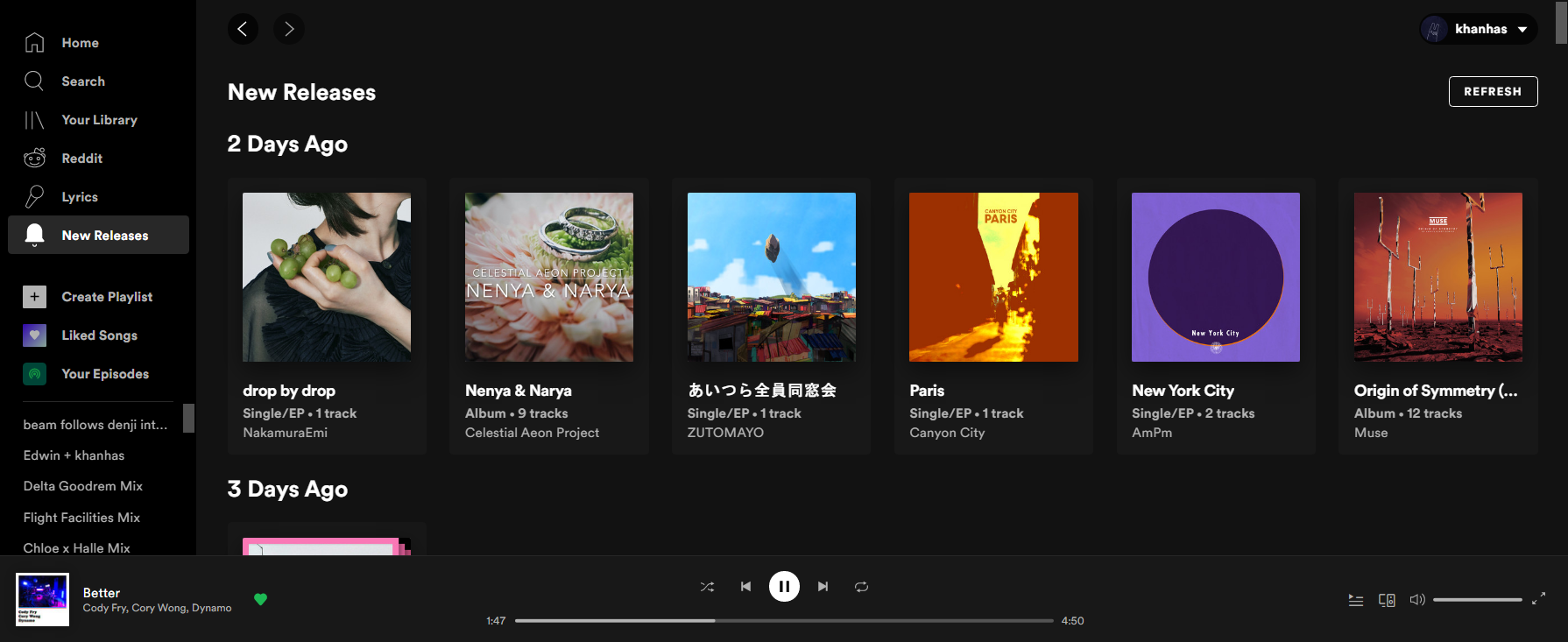
New Releases
Aggregates new releases from artists and podcasts you follow.
Folder: new-releases
spicetify config custom_apps new-releasesspicetify applyFeatures:
- Filter by time range and release type
- Customizable date format (based on your locale)
- Settings in profile menu
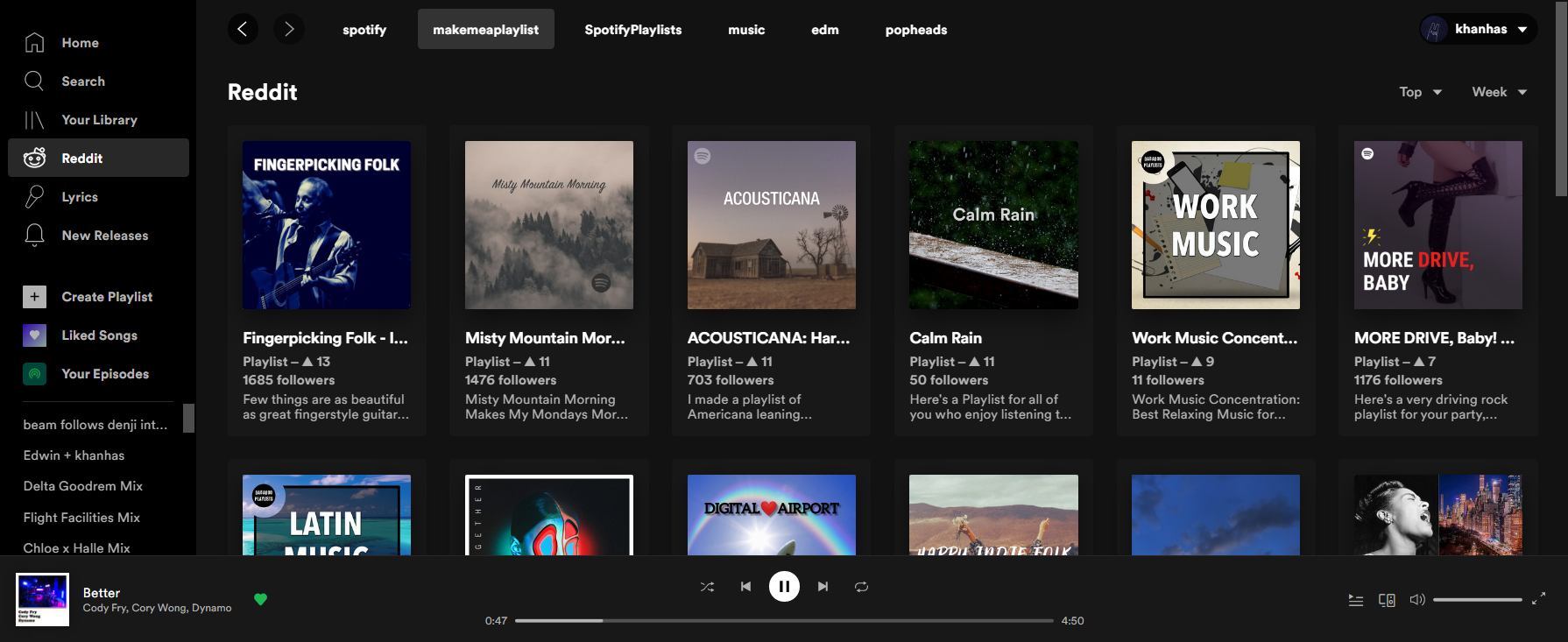
Browse Spotify-related subreddits and discover music shared by the community.
Folder: reddit
spicetify config custom_apps redditspicetify applyFeatures:
- Fetch posts from music subreddits
- Add, remove, and arrange subreddits
- Customize post display (via profile menu)
Creating Custom Apps
Want to build your own custom app? See the Custom Apps Development Guide.
Custom apps are React applications. A basic app needs:
index.js: Main application code with arender()functionmanifest.json: Metadata including name, icons, and optional subfiles
For a streamlined development experience, check out Spicetify Creator which supports TypeScript, JSX, and hot reloading.
Troubleshooting
Custom app not showing in sidebar
- Verify the folder is in the correct CustomApps location
- Check that
manifest.jsonexists and has valid JSON - Run
spicetify apply - Restart Spotify
App shows but doesn’t load
- Check the browser console for errors (Ctrl + Shift + I)
- Verify
index.jsexports arender()function - Check for JavaScript syntax errors
Settings menu not appearing
Custom app settings appear in the profile menu (top-right). Make sure the app implements settings correctly. Check the app’s documentation.